Adding People to Listings
Access: All users
Each business listing in Whereabouts can have any number of staff members associated with it, and each can have a specific role; we'll go through the details of those roles in more detail below.
To start, head on over to the Staff tab within a listing:
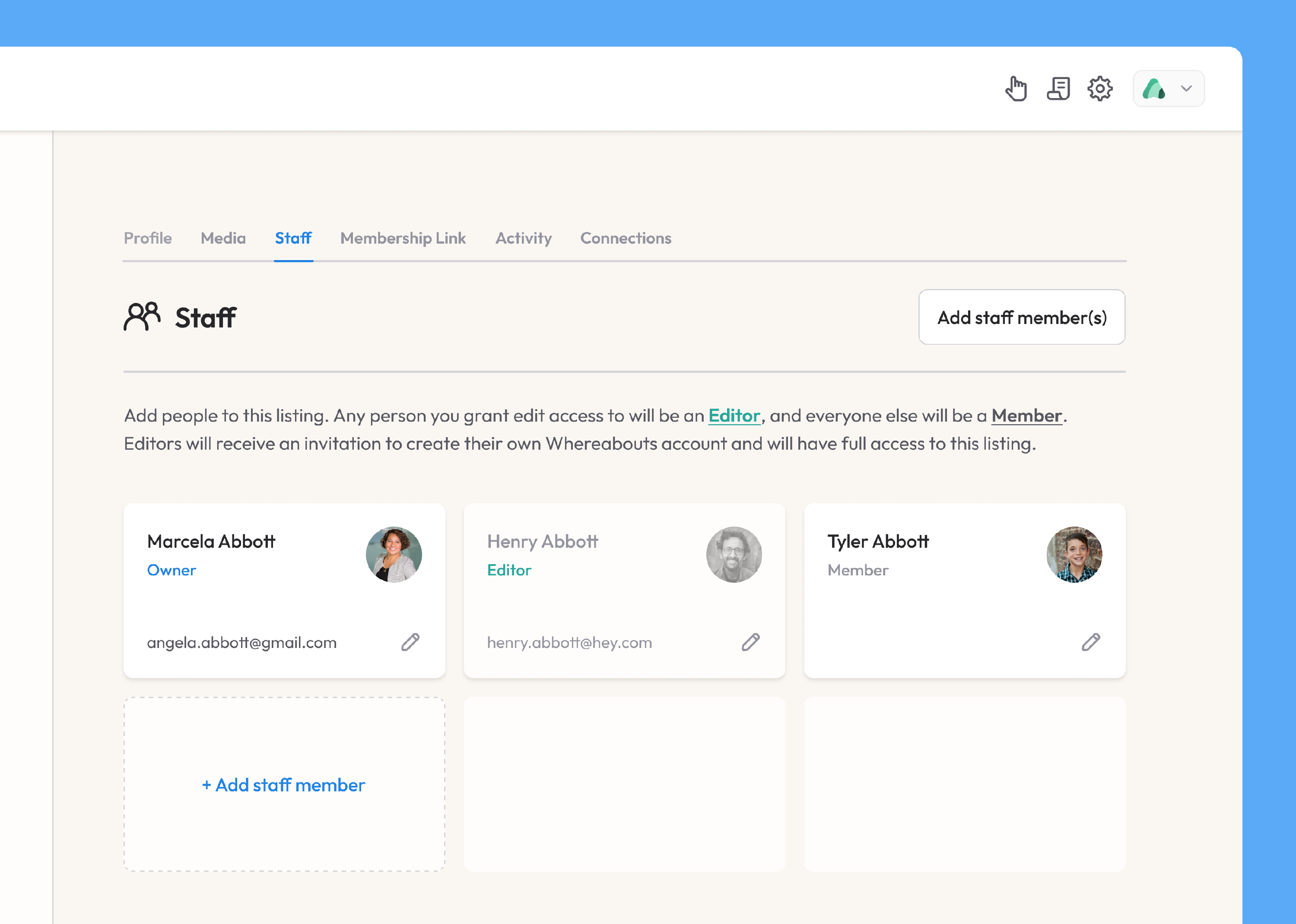
Within a listing, a person can have one of four different roles:
- Owner - any person with this role will have full
editaccess to the listing and will be designated as a primary contact. This means they can:- Edit the listing's profile
- Add media
- Add additional staff members
- Create events (if enabled by the listing's parent organization(s))
- Editor - Editors, like owners, have full edit access
- Viewer - Viewers can log in and access the listing but have view-only access
- No access - Staff with no access will be associated with the listing purely for information purposes; they can't receive an invite to log in and join Whereabouts.
Note: You can change a person's role and access at any point.
When adding an owner, editor, or viewer, an email address is required. Add the person's email and press enter ; we'll search through our database to see if a record for this person already exists. If yes, we'll automatically fill in their first and last name along with their profile photo (if they've already uploaded one).
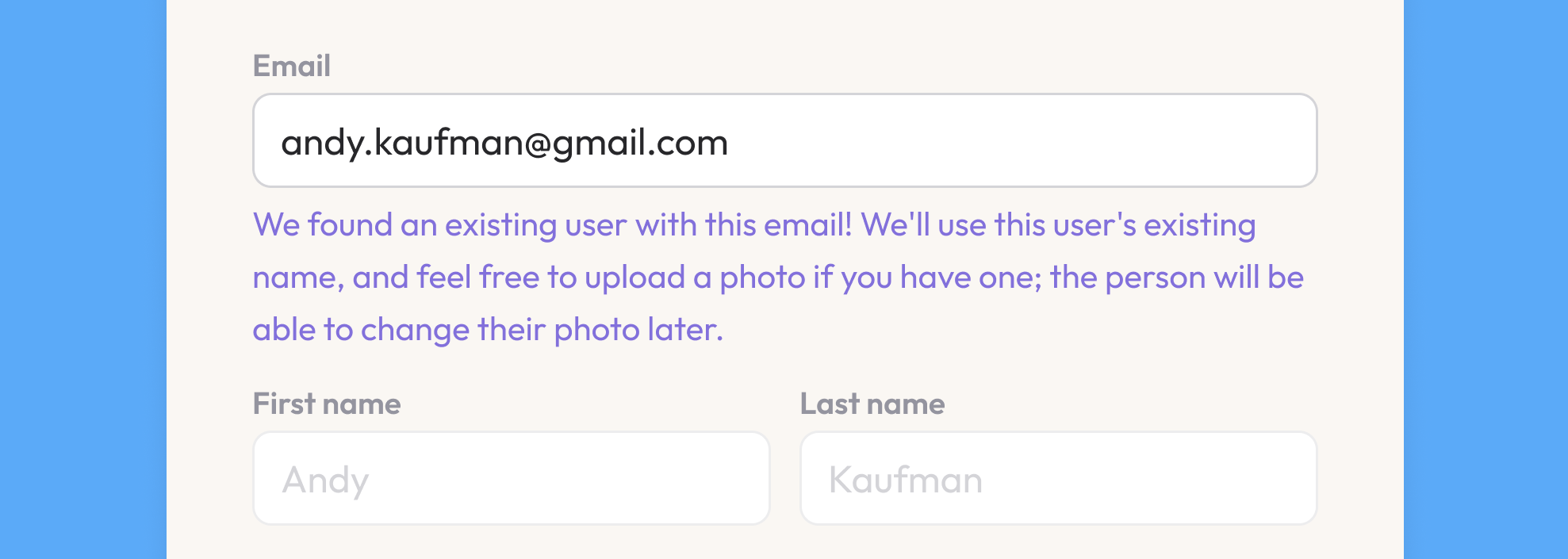
If we can't find a match, you can enter the person's name and upload a photo (both of which they'll be able to change themselves when they create their Whereabouts account).
Invitations
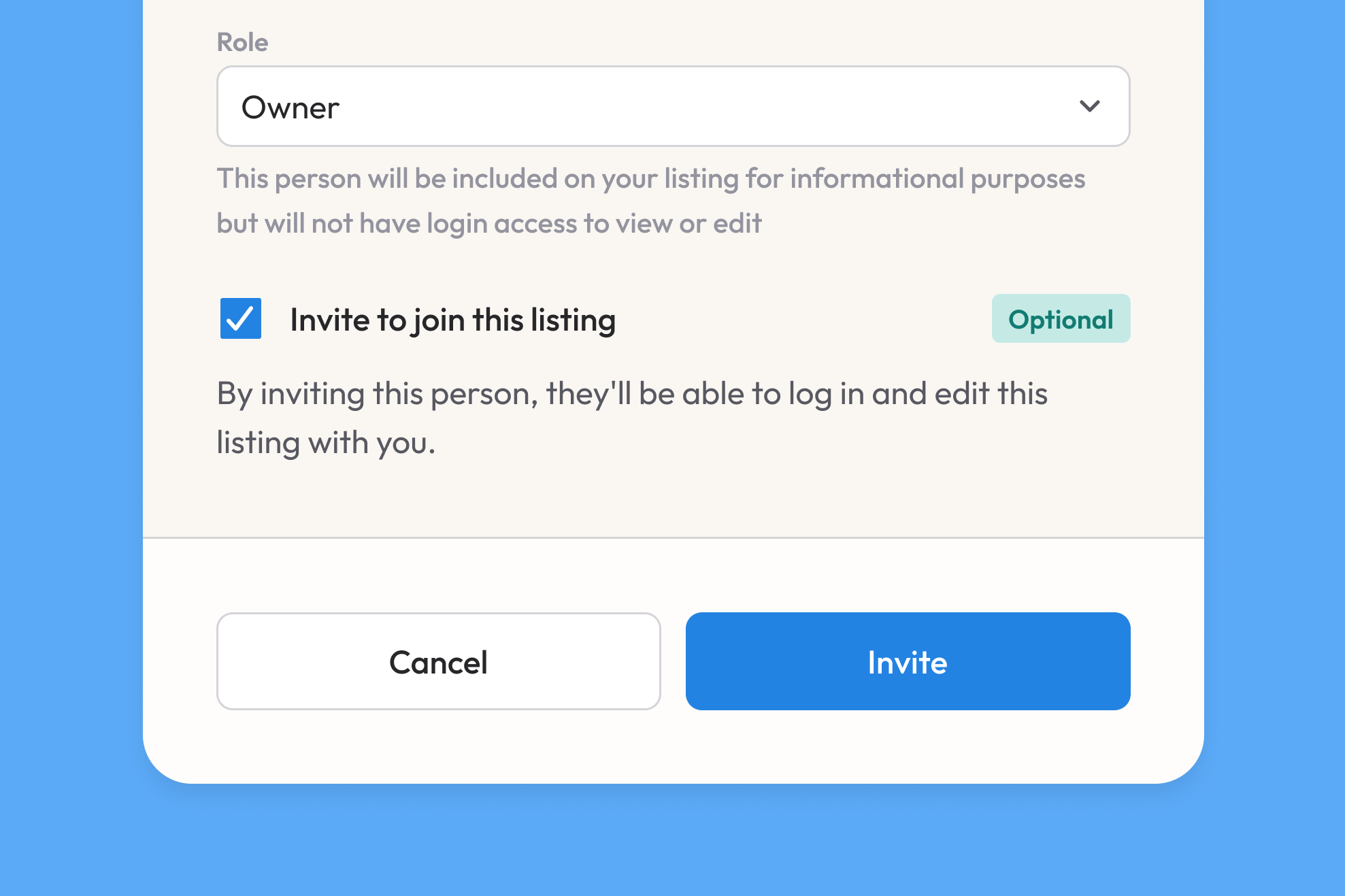
When adding a person to a listing and assigning them an access role, you can choose to send them an invitation immediately or at any later point.
Edit Actions
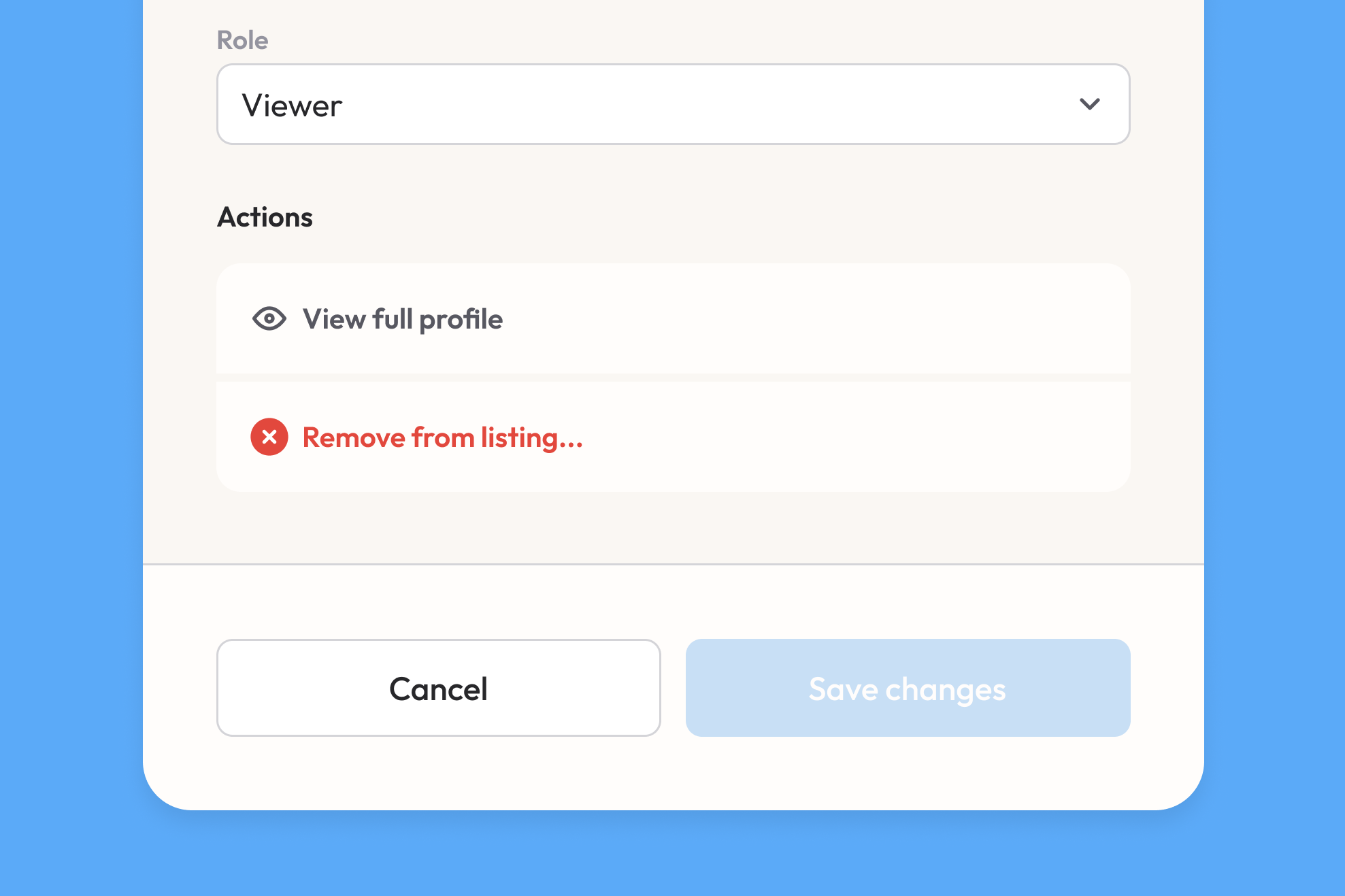
After a person has been added to a listing, you can always click on the edit icon on their staff card to re-open their modal. Now, at the bottom of the modal, you'll find an Actions section from which you can:
- Open the person's full profile, in which you can add additional contact information, view their activity, and more.
- Send (or re-send) an invitation for any person with an access role
- Remove the person from the listing